

Appearance
Avatar
Choose and upload an avatar for your chatbot to give it a unique identity. This can be an image or icon that represents your brand or the chatbot's purpose.
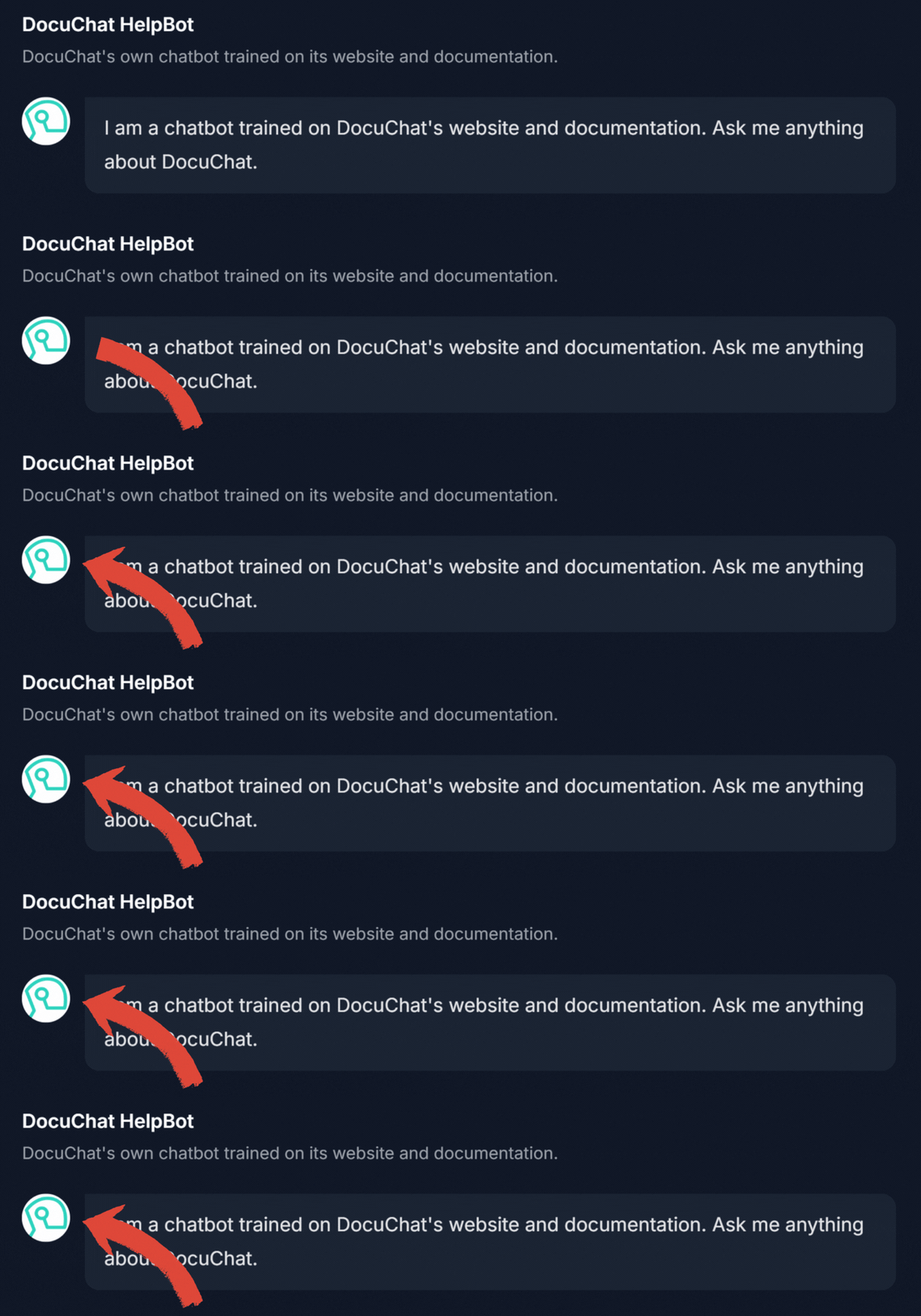
The avatar is displayed in the chatbot's interface shown above.
Accepted formats and sizing
- File formats: PNG and JPG (JPEG) are supported.
- Dimensions: Use a square image of at least 128 by 128 pixels. The avatar is displayed as a small circle, so a square source keeps it from looking stretched or cropped.
- File size: Keep the file under 1 MB. Smaller files load faster in the chat interface.
Description
Add a brief description to introduce your chatbot to users. This description helps users understand what kind of questions they can ask and what information the chatbot has access to. The description will be displayed on your chatbot's dedicated page and in the admin interface.
Welcome Message
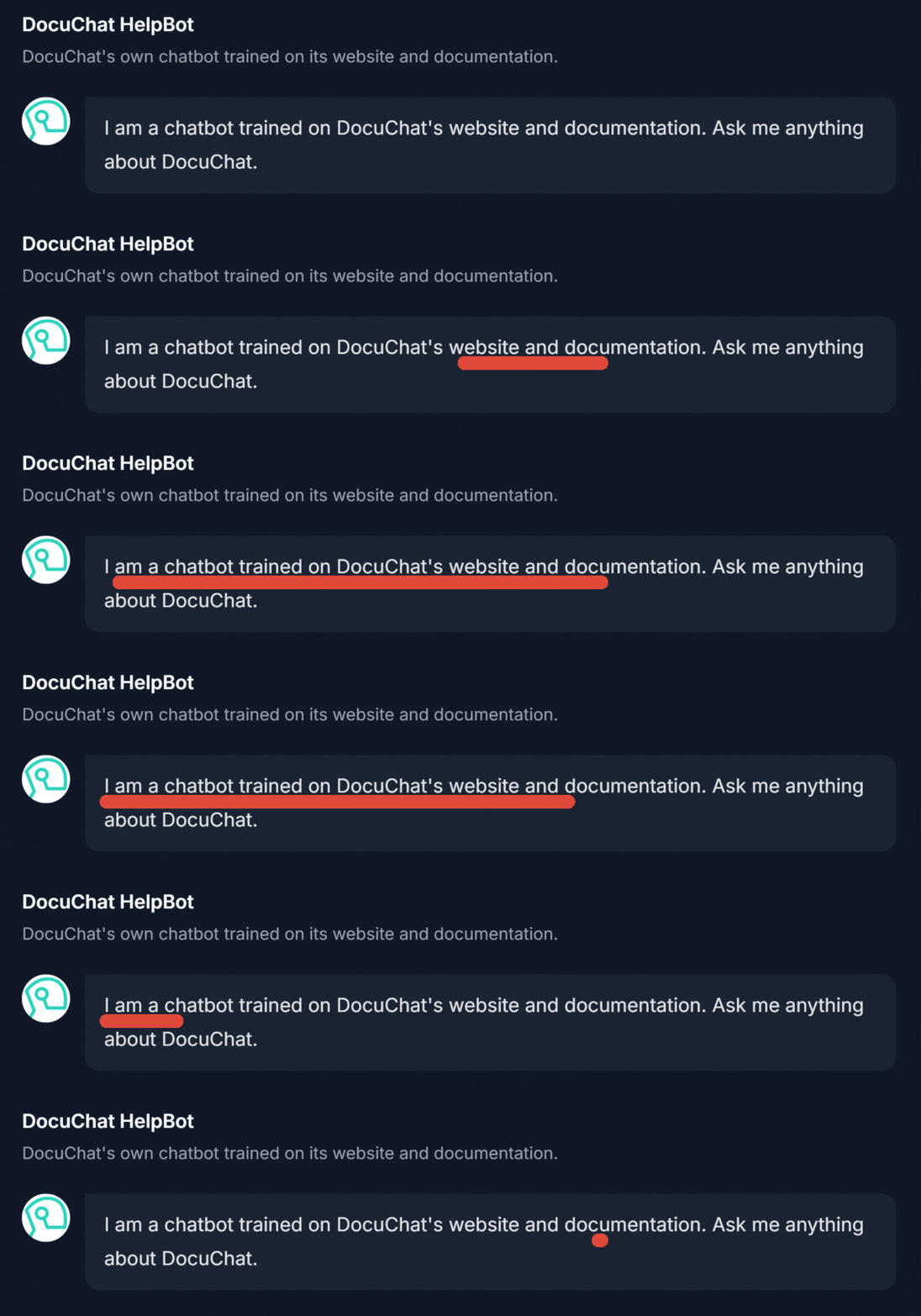
Set a welcoming message that greets users when they first interact with the chatbot. This message can set the tone for the conversation and guide users on how to proceed.
Conversation Starters
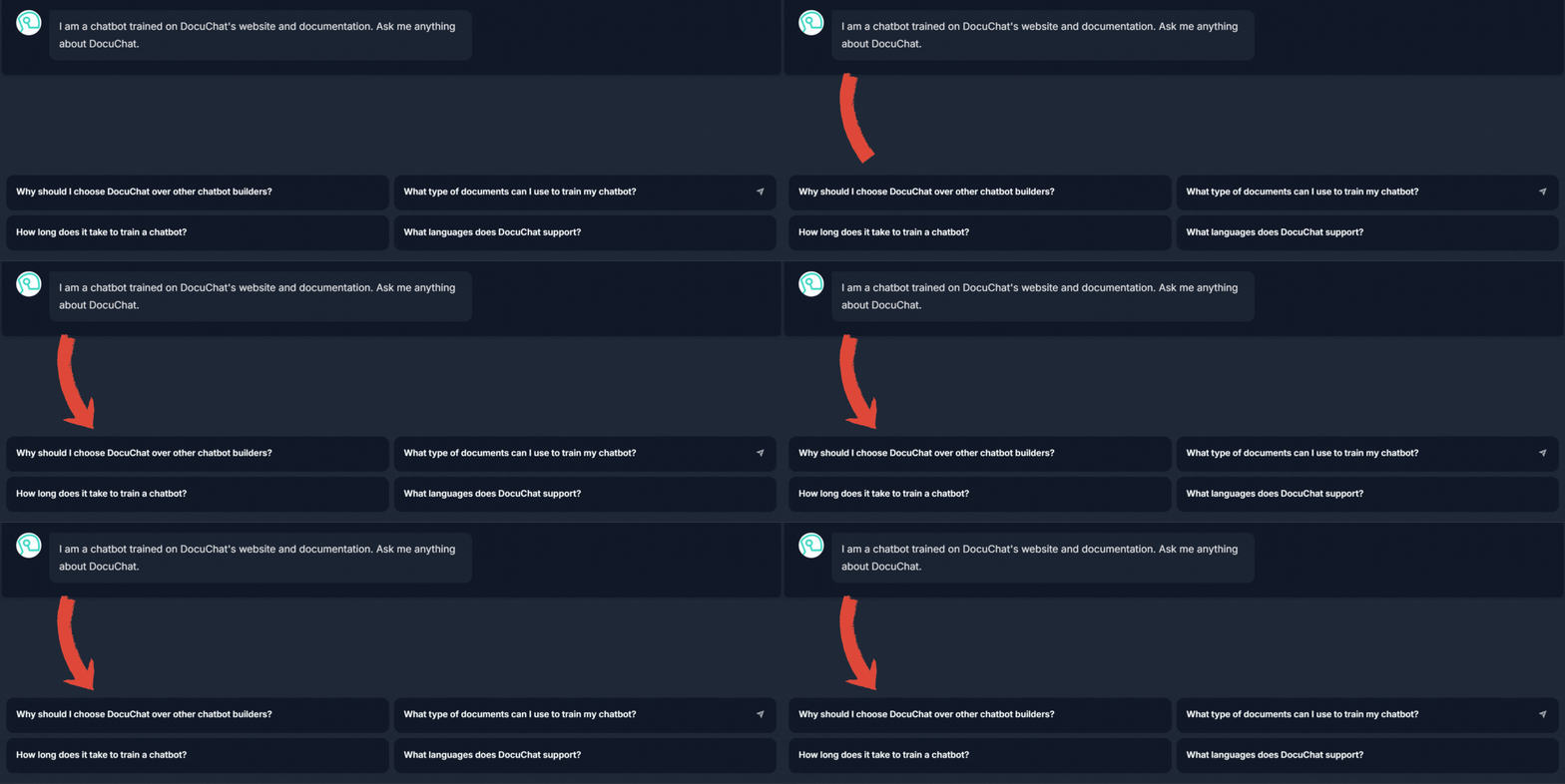
Provide initial questions or prompts to engage users and help them start the conversation. These can be common queries or topics related to the subject of your chatbot's expertise.
Question Placeholder
Suggest a question in the input field of the chatbot to guide and inspire users in formulating their queries. This acts as a hint for users, especially if they are unsure of what to ask or how to use the chatbot.
Examples: "Type your question here..." or "Ask me about our latest products."
